How to create a Bybit ads-only API key
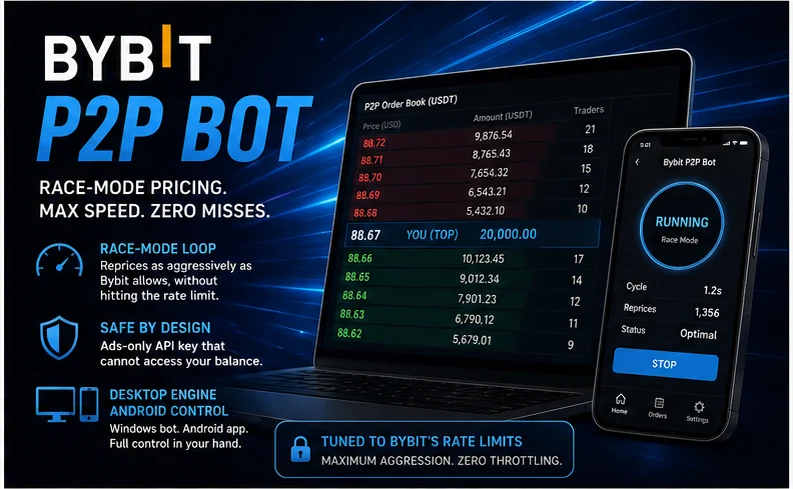
The Bybit P2P Bot connects to your account with an API key. Exactly like on Binance, the only thing that matters about that key is what it is allowed to do. Set it up as described here and the key can read the P2P market and manage the price of your own ads. Nothing else. It cannot withdraw, it cannot trade, and it cannot transfer funds. Even if the key leaked, nobody could move your money with it.
One thing is different from Binance, and it is good news. Bybit has an official P2P API, documented in its own help center as the P2P Open API. It is available to advertisers. Once you are a P2P advertiser on Bybit, you enable P2P permissions on an API key, and tools like the bot work on officially supported ground.
Before you start: you need to be an advertiser
The ads API manages your ads, so your account needs the right to post ads in the first place. Bybit's published advertiser requirements start low. For the entry level you need standard individual KYC, a few completed P2P orders, an 80%+ completion rate, and a security deposit (200 USDT in your Funding Account at the time of writing). Higher tiers unlock buy-side ads, bigger ad sizes and more pairs. If you already run ads on Bybit, you are set. Skip ahead.
Step 1 — Open the API management page
Log in to Bybit on the web, open your profile menu, and go to the API section. Choose Create New Key and pick the system-generated API key type. Give the key a name you will recognize later (for example tickbots-p2p).
Step 2 — Grant only the ads permission
This is the step that matters. In the permissions list, enable only the permission that covers P2P / fiat ads. On Bybit it appears as "Fiat Trading (Ads)". Bybit sometimes renames or regroups its permissions, so trust the meaning, not the exact label: you want the one that manages P2P ads, and nothing else. Leave everything else off:
- Spot / derivatives trading. The bot never trades for you.
- Withdrawals. Never enable this on a bot key. This is the switch that empties accounts.
- Transfers between accounts. Moving funds is moving funds.
- Read-write must be enabled for the ads permission itself, because the bot edits your ad prices. A read-only key is not enough for this one permission. That is still safe: the write access covers your ads, not your balance.
Step 3 — Save the secret immediately
Bybit shows the API secret once, at creation. Copy both the key and the secret into a password manager the moment they appear. If you lose the secret, you cannot recover it. You delete the key and make a new one.
Step 4 — Restrict it to your IP (recommended)
In the key's settings, bind it to the IP address of the machine that runs the bot: your PC or your Windows VPS. With an IP restriction, the key works from that address and nowhere else, so a leaked key is useless. Note that Bybit treats keys without IP restrictions as lower-trust and may expire them sooner. This step is worth the minute it takes.
Step 5 — Put it into the bot
Open the TickBots app, choose Bybit, and paste the key and secret. Like the Binance key, it is stored locally on your PC, in a file next to the bot. It is never sent to TickBots servers.
That is the whole setup. An ads-only, IP-locked key on an officially documented API is as clean as P2P automation gets. And it is all the Bybit P2P Bot will ever ask you for.